
Open the Store Health Audit
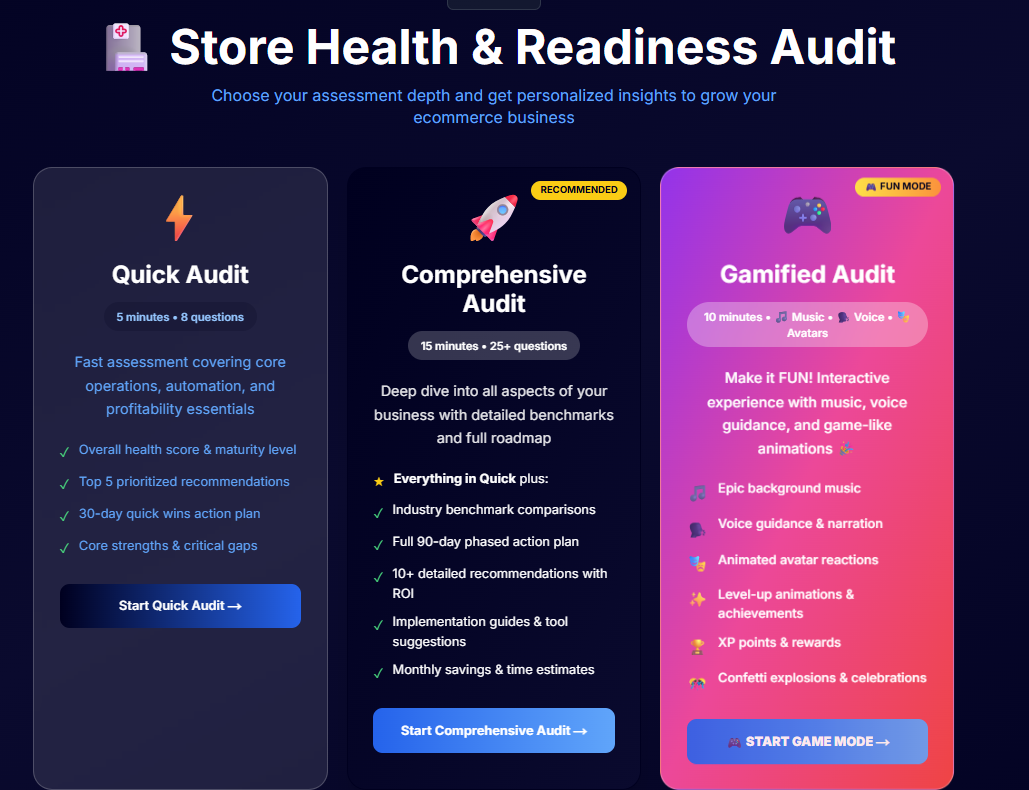
Navigate to the Store Health Audit tool:
https://tools.quixess.com/tools/store-health-audit
No account or setup is required to begin.
Pro Tip: Hover over each platform to see specific requirements and limitations before connecting.
Select Your Sales Channels
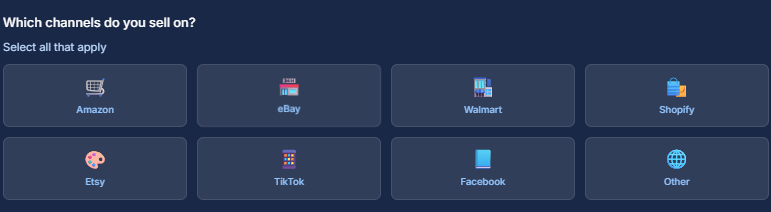
Choose the platforms where you currently sell. You may select one or multiple channels.
Examples: Amazon , eBay , Walmart , Shopify , Other platforms
This helps determine the complexity of your operation.
Security Note: We use OAuth 2.0 for secure authentication. Your Shopify credentials are never stored on our servers.
Choose Your Business Stage
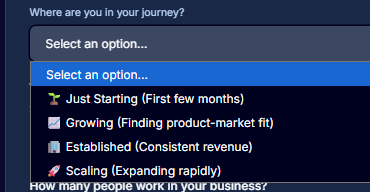
Select the option that best describes your current stage.
Common options include: Just starting , Finding product–market fit , Growing , Established
This step is used for benchmarking.
Option A: Set to 0% for clean reporting. Option B: Add a small fee to cover Shopify subscription costs.
Enter Average Monthly Sales
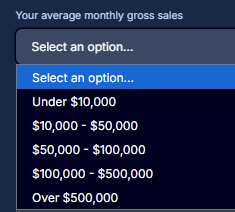
Select the range that best represents your average monthly gross sales across all channels.
Exact numbers are not required.
Verify Analytics dashboard shows accurate numbers
Initial sync may take a few minutes for larger stores. You'll receive a notification when complete.
Last updated: November 2025
Provide Team Size and Experience
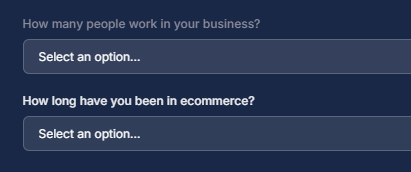
Answer the following:
Number of people involved in the business (including contractors)
How long you’ve been in eCommerce
Pro tip or helpful note goes here.
Answer Operations and Fulfillment Questions
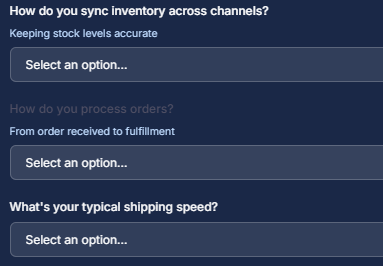
This section focuses on how your business runs day to day.
You’ll be asked about:
Order and inventory sync across channels Level of automation , Typical shipping speed Returns handling , Fulfillment method (FBA, dropshipping, 3PL, etc.) , Supplier management
Pro tip or helpful note goes here.
Generate Your Results
After completing the questions, select Get My Results.
Your results are generated instantly.
Pro tip or helpful note goes here.
Review Your Assessment Results
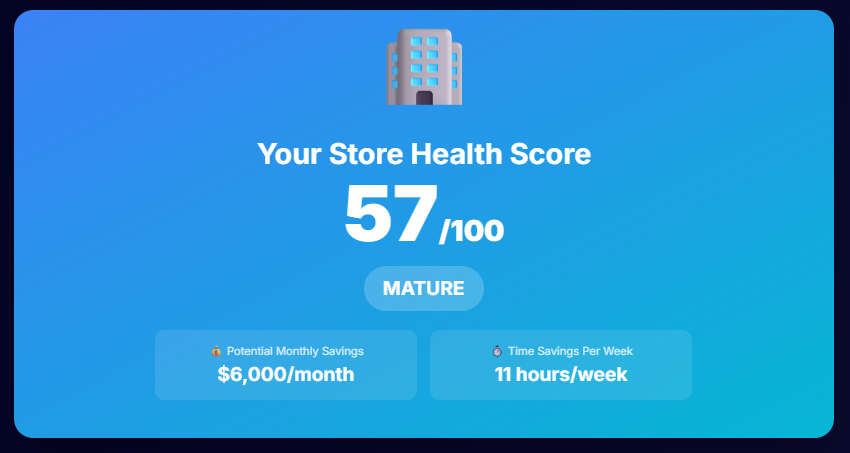
The results page includes:
Business Maturity Level: A classification showing where your business currently stands.
Executive Summary: A high-level overview of strengths, gaps, and risk areas.
Industry Benchmarks: Comparison against similar eCommerce businesses.
Pro tip or helpful note goes here.
Review the 90-Day Action Plan
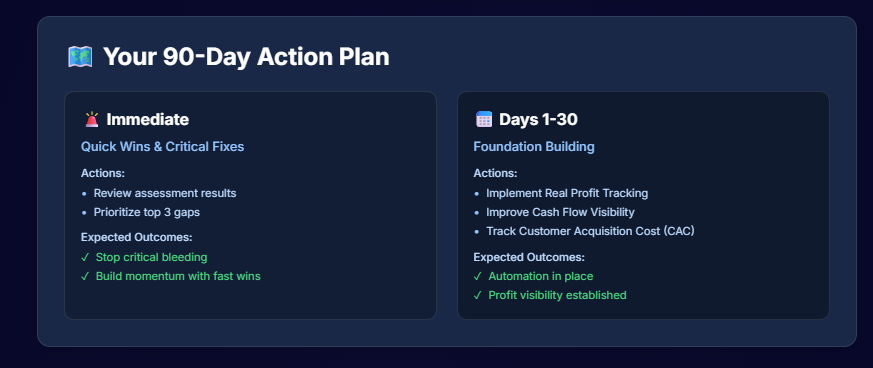
A personalized 90-day action plan is provided based on your responses.
This plan outlines: Immediate priorities, Medium-term improvements , Areas to delay until later
Pro tip or helpful note goes here.
Email the Report (Optional)
You can email the full report to yourself for future reference or sharing.
Pro tip or helpful note goes here.
Next Steps
After completing the Store Health Audit:
- Review the executive summary carefully
- Focus on the 90-day action plan
- Address foundational gaps before adding new tools or scaling further
Start the Store Health Audit
https://tools.quixess.com/tools/store-health-audit
About Quixess
Quixess helps eCommerce sellers automate operations, scale across marketplaces, and make informed, data-driven decisions.