
How to Calculate Shopify Profit Using the Quixess Shopify Profit Calculator
Use this tool before pricing products, scaling ads, or expanding inventory.
⏱️ Duration: 8:45 • 📺 Watch on YouTube
Open the Shopify Profit Calculator
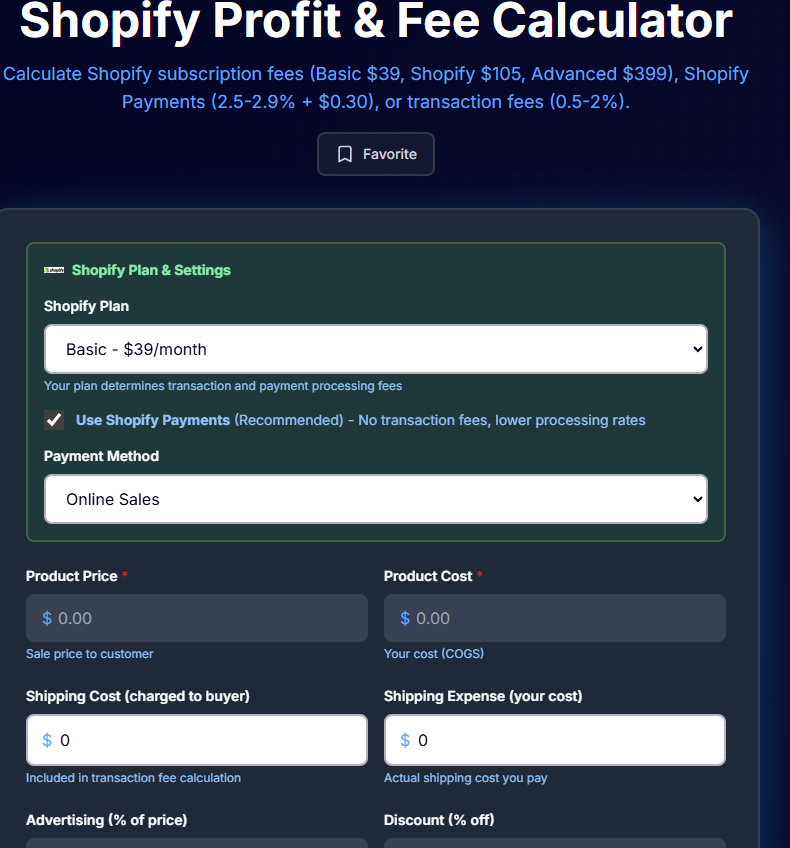
Go to: https://tools.quixess.com/tools/shopify-profit-calculator
Once the page loads, you’ll see the Shopify Profit Calculator interface.
Pro Tip: Hover over each platform to see specific requirements and limitations before connecting.
Select Your Shopify Plan
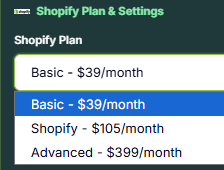
Choose your Shopify plan from the dropdown.
Your plan affects platform fees and transaction costs, which directly impact your overall profit.
Choose your marketplace from the list
Pro Tip: Hover over each platform to see specific requirements and limitations before connecting.
Select Your Payment Method
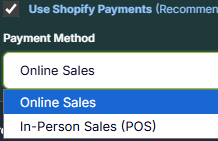
Choose your payment method:
Online – for orders paid through your Shopify storefront
In-Person – for orders processed through Shopify POS
Each payment method has different processing fees, so selecting the correct option is important for accurate profit calculations.
Pro Tip: Hover over each platform to see specific requirements and limitations before connecting.
Enter Product Pricing and Cost
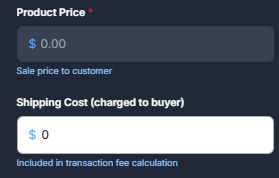
Enter the core values required for the calculation:
Product Price – what the customer pays, Product Cost – what you paid to source or manufacture the product
These values form the foundation of your Shopify profit calculation.
Initial sync may take a few minutes for larger stores. You'll receive a notification when complete.
Add Shipping Cost

Enter your shipping cost per order.
If you offer free shipping, this step is still important because the cost is deducted from your margin.
Pro tip or helpful note goes here.
Add Advertising or Promotion Costs (Optional)

If you run ads or promotions, enter the ad cost as a percentage or value per order.
If you are not running ads, leave this field empty or set it to zero.
Even small ad costs can significantly reduce Shopify profit.
Pro tip or helpful note goes here.
Calculate Shopify Profit

Click the Calculate Profit button.
The calculator will instantly display: Net profit or loss Profit margin, A clear breakdown of Shopify fees, payment processing, shipping, and ads
Pro tip or helpful note goes here.
Review the Cost Breakdown
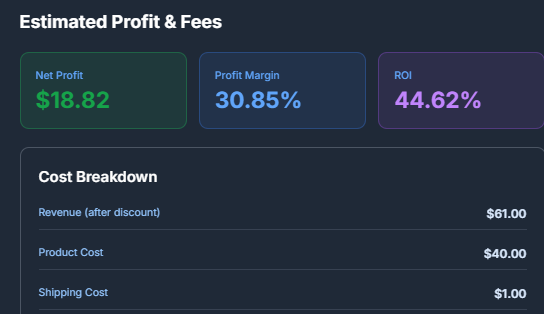
Scroll down to review how each cost contributes to your final Shopify profit.
This breakdown helps you identify where margins are being reduced and which costs have the biggest impact.
Pro tip or helpful note goes here.
Email the Profit Report (Optional)
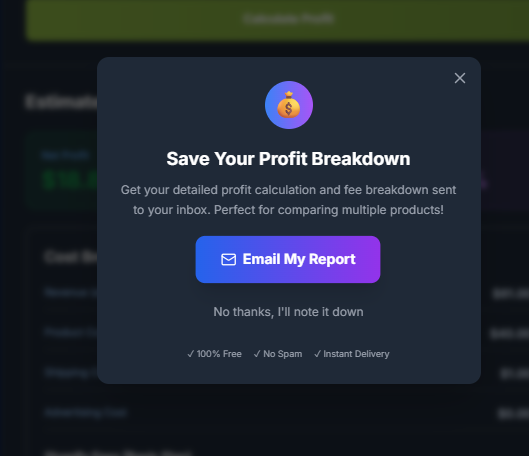
You can email the profit report to yourself for later reference.
This is useful when comparing multiple products, pricing strategies, or ad scenarios.
Pro tip or helpful note goes here.
When to Use the Shopify Profit Calculator
Use this calculator:
- Before launching a new product
- Before increasing ad spend
- Before changing prices
- Before ordering larger inventory quantities
- When switching Shopify plans or payment methods
Accurate Shopify profit calculation is critical before scalin
Summary
Revenue does not equal profit.
The Quixess Shopify Profit Calculator helps store owners understand real Shopify profit by accounting for costs that are easy to overlook. Use it consistently to make smarter pricing, marketing, and scaling decisions.